Why we’re recommending a managed approach
AI can help draft emails, summarise documents, brainstorm ideas and reduce repetitive administration. But unmanaged personal accounts can make business oversight difficult. Connecting AI to Outlook, SharePoint or OneDrive can also expand the amount of business information an application can access.
Our approach focuses on business control, reducing unnecessary access, protecting sensitive information and detecting suspicious account activity. It supports responsible adoption rather than blocking useful technology.
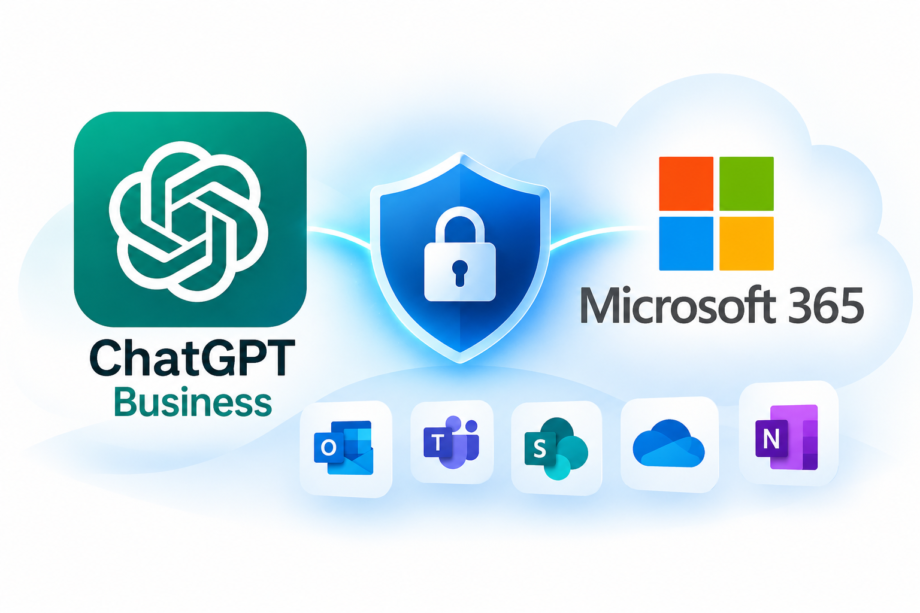
Two clear levels of protection
Business AI
For AI used independently without a Microsoft 365 connection.
- ChatGPT Business with company-managed accounts
- AI Acceptable Use Policy
- Basic staff awareness training
Why: consistent administration, clear usage rules and business data protections.
Integrated Business AI
For AI connected to Outlook, SharePoint, OneDrive, Teams or Microsoft Graph.
- ChatGPT Business
- Microsoft 365 Business Premium for in-scope users
- Huntress ITDR for Microsoft 365 identity monitoring
- IT-Pro permissions and security assessment
Why: stronger sign-in controls, managed identity threat response and careful oversight of what the AI tool can access.
AI Assistance Only Within Your Microsoft 365 Environment
Microsoft 365 Copilot is an alternative for businesses whose AI requirements are primarily focused on Microsoft applications such as Outlook, Word, Excel, PowerPoint and Teams. It helps employees draft emails, summarise meetings, create documents and work with information already stored within their Microsoft 365 environment.
While Copilot offers useful AI capabilities, its greatest benefits are within Microsoft 365. Businesses requiring broader AI research, advanced data analysis, custom AI assistants or integration with other business systems may find ChatGPT Business more flexible. Some Copilot features and external integrations also require additional licensing or configuration.
IT-Pro Support recommends ChatGPT Business for general business AI adoption. However, for organisations whose requirements are largely limited to Microsoft 365, Copilot may be a suitable alternative. Before deployment, we recommend reviewing Microsoft 365 security, user permissions and data-sharing policies to minimise the risk of sensitive information being exposed.
What does each product do?
ChatGPT Business
Company-managed AI workspace. Business workspace data is not used to train models by default, but employees still need rules on what they share.
Microsoft 365 Business Premium
Provides capabilities such as Conditional Access and device management to help secure identities and company information.
Huntress ITDR
Helps detect and respond to supported Microsoft 365 identity threats. It is not a guarantee against every risky AI action or overshared document.
What we check before an AI integration
- Business purpose, vendor and requested permissions.
- Sign-in protection, application consent and administrator controls.
- SharePoint, OneDrive and mailbox access, including oversharing.
- Personal data, vendor terms, retention and relevant data protection obligations.
- Monitoring, incident response, owner approval and regular review.
Ready to use AI more safely?
Whether you’re just starting with ChatGPT or planning to connect it to Microsoft 365, we can help assess your environment and guide your next steps.
We partner with some of the best vendors
for small business IT solutions.


